Wenxin Yiyan
Wenxin Yiyan
Wenxin Yiyan
UI Visual Design Intern at Baidu, Inc.
Wenxinyiyan (Ernie) Project.
UI Visual Design Intern at Baidu, Inc.
Wenxinyiyan (Ernie) Project.
UI Visual Design Intern at Baidu, Inc.
Wenxinyiyan (Ernie) Project.
UI/UX
UI/UX
UI/UX
Baidu
Baidu
Baidu
LLM
LLM
LLM
Internship
Internship

TIMELINE
TIMELINE
May 2025 - Aug 2025
May 2025 - Aug 2025
3 Months
3 Months
MY SCOPE
MY SCOPE
UI Design
UI Design
Design System
Design System
Motion Design
Motion Design
TOOLS
TOOLS
Figma
Figma
Photoshop
Photoshop
AfterEffects
AfterEffects
Rive
Rive
RESPONSIBILITY
RESPONSIBILITY
Responsible for redesigning the visual system for wenxin yiyan revamp, covering color system, core component, system-level icon system, and motion design.
Responsible for redesigning the visual system for wenxin yiyan revamp, covering color system, core component, system-level icon system, and motion design.
Full Case Study Available on Desktop
PART 1
Design Outcome
Color System
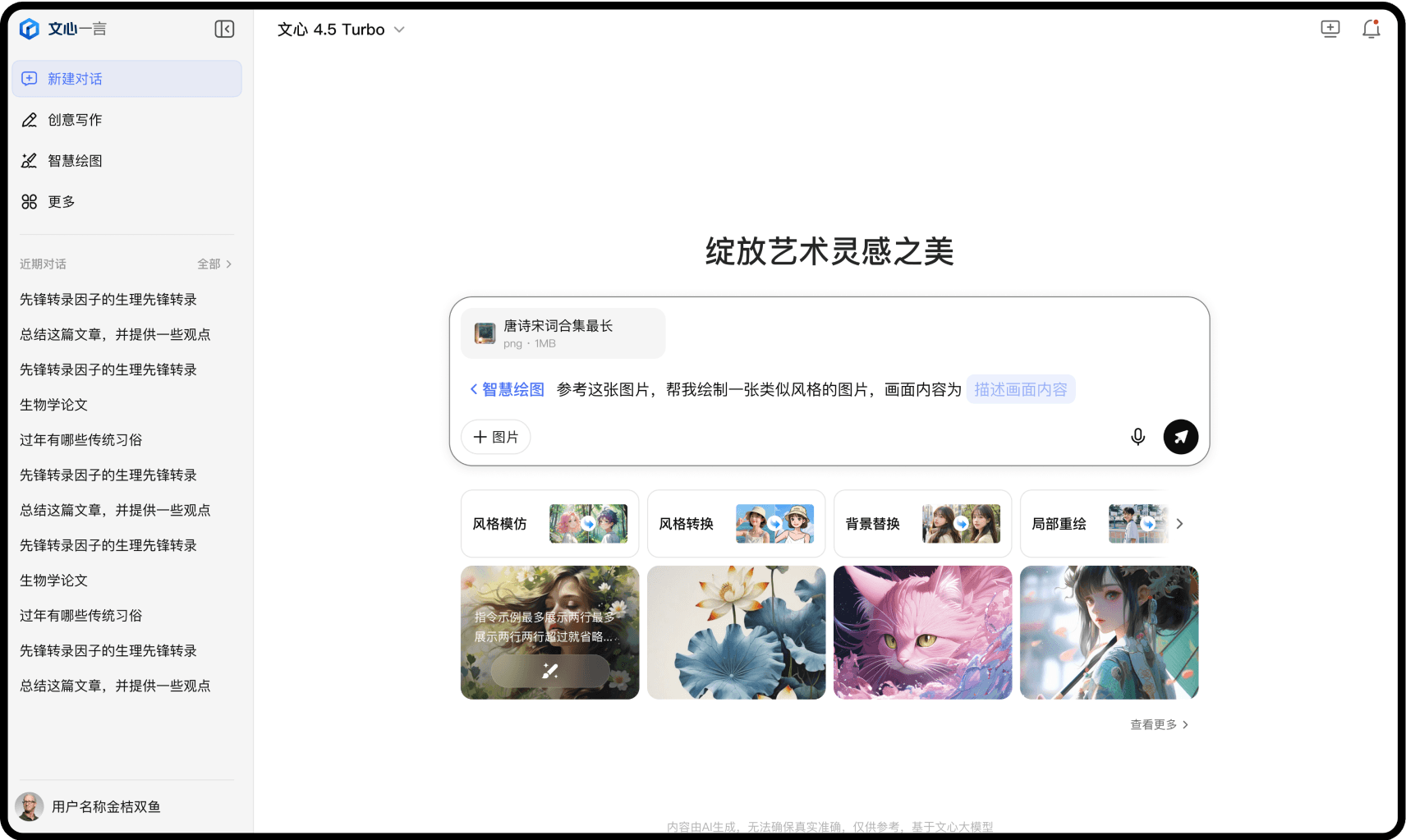
Our goal of this visual overhaul was to reduce visual distractions and help users focus more on the generated content itself. To support this, I systematically reduced and consolidated over 300 existing colors in the interface, establishing a more consistent, clearer visual hierarchy.

Color hierarchy
Defined color levels for multi-layered interface structures, including brightness adjustments across nested surfaces and limits on consecutive darkening steps to maintain visual clarity and consistency.

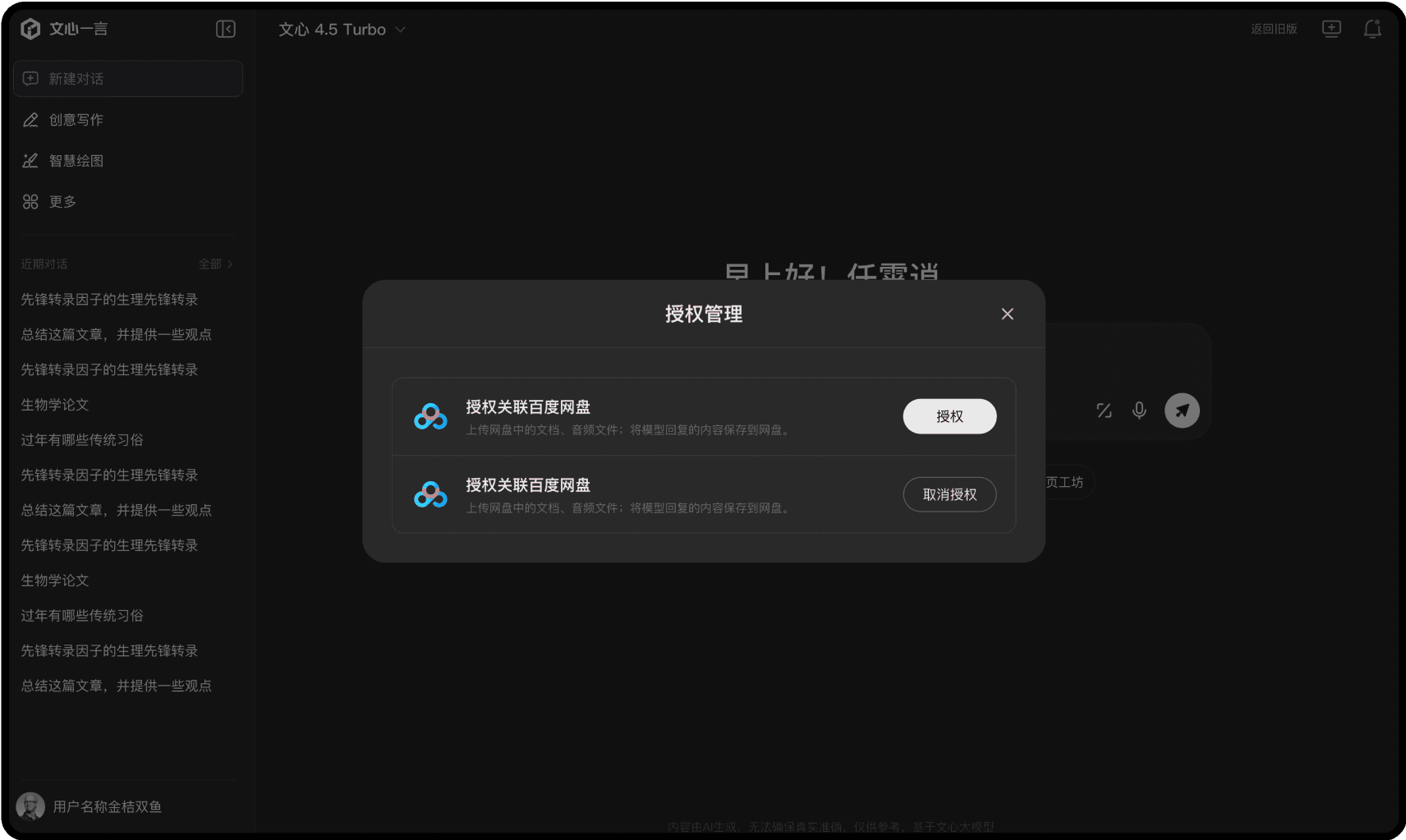
Light/dark Color Mapping
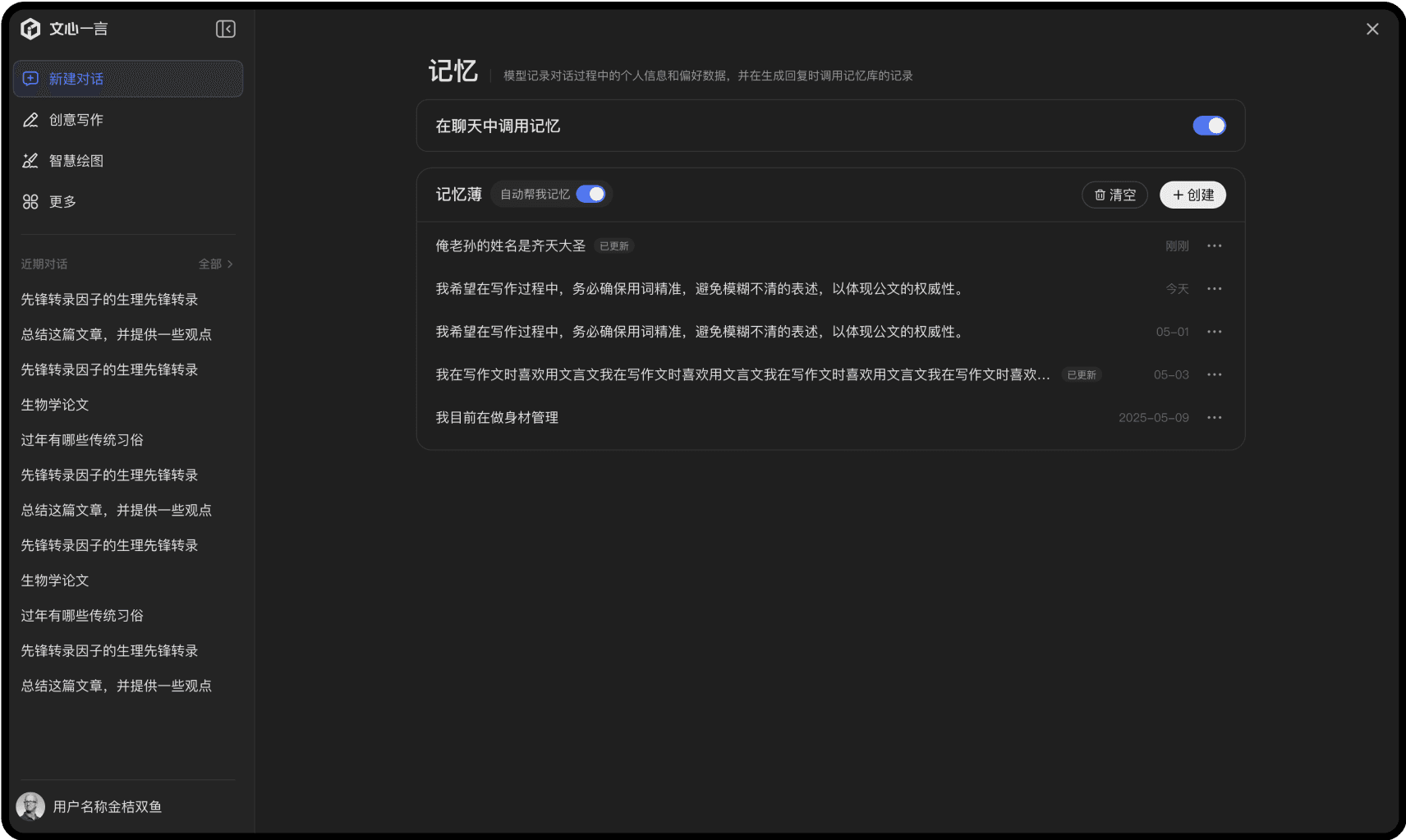
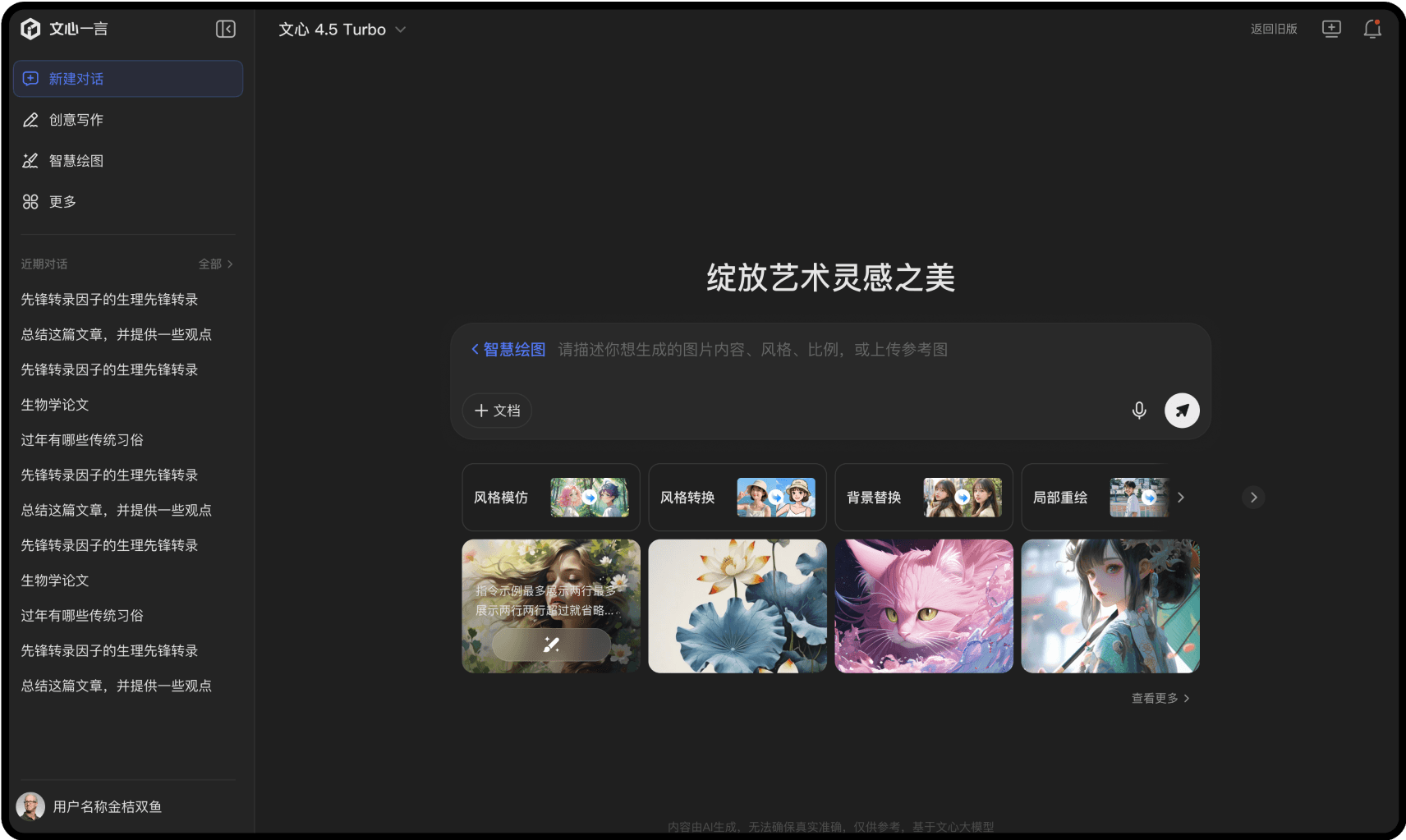
I contributed to defining the color mapping system between light and dark modes to ensure consistency in visual hierarchy, contrast, and user comfort. This involved mapping each color in the light theme to a corresponding dark-mode variant, taking into account factors such as semantic meaning, relative brightness, and readability.
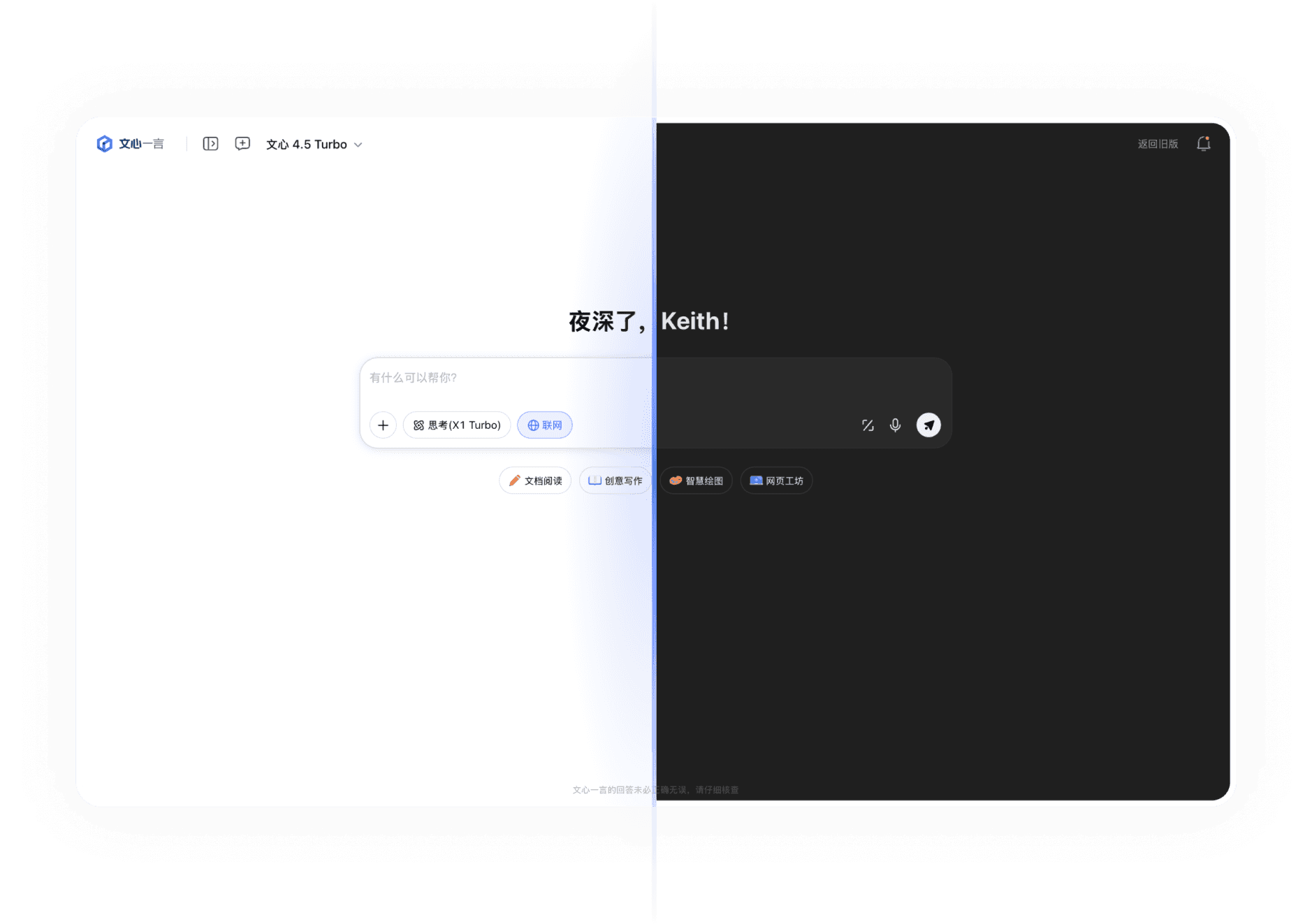
Core components
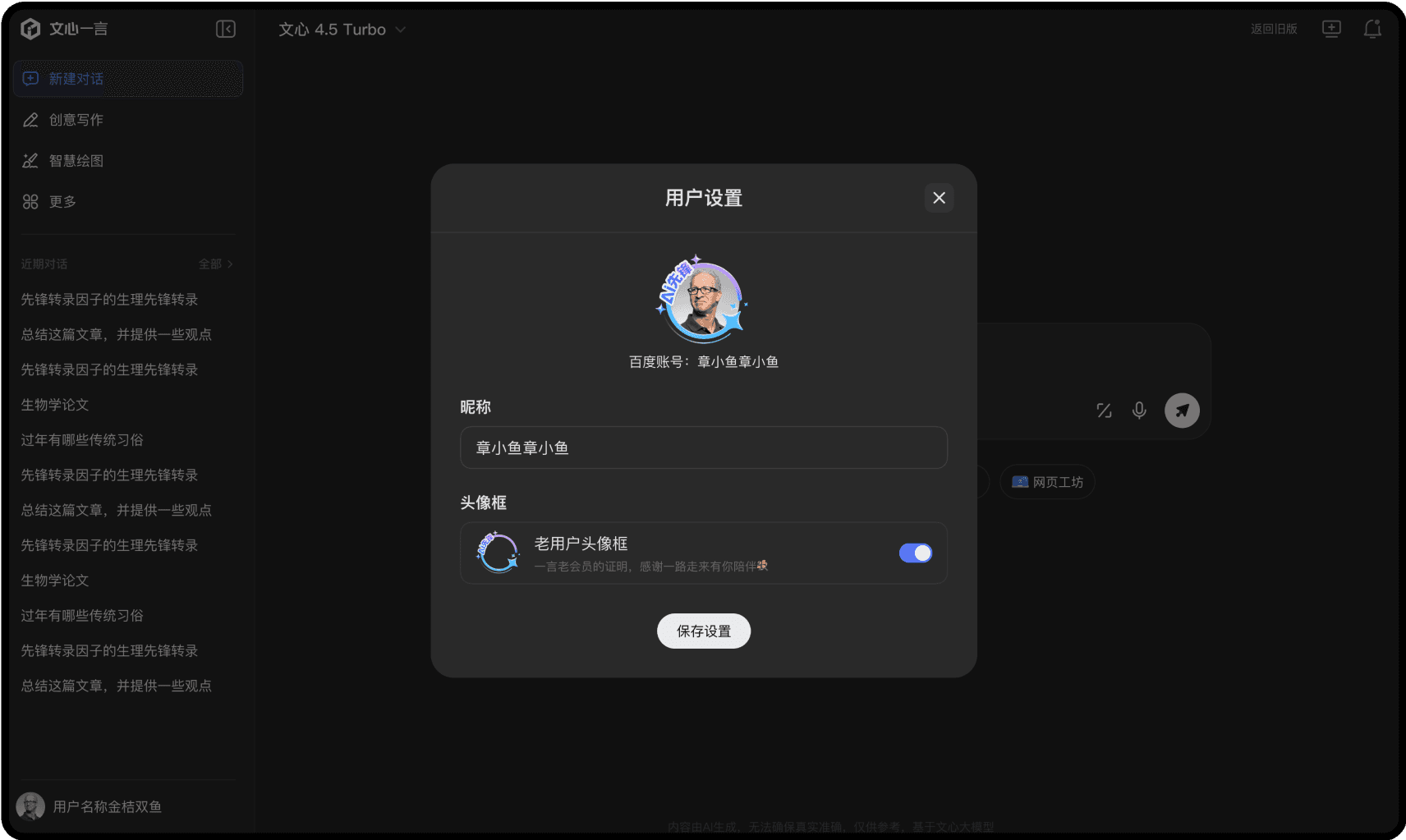
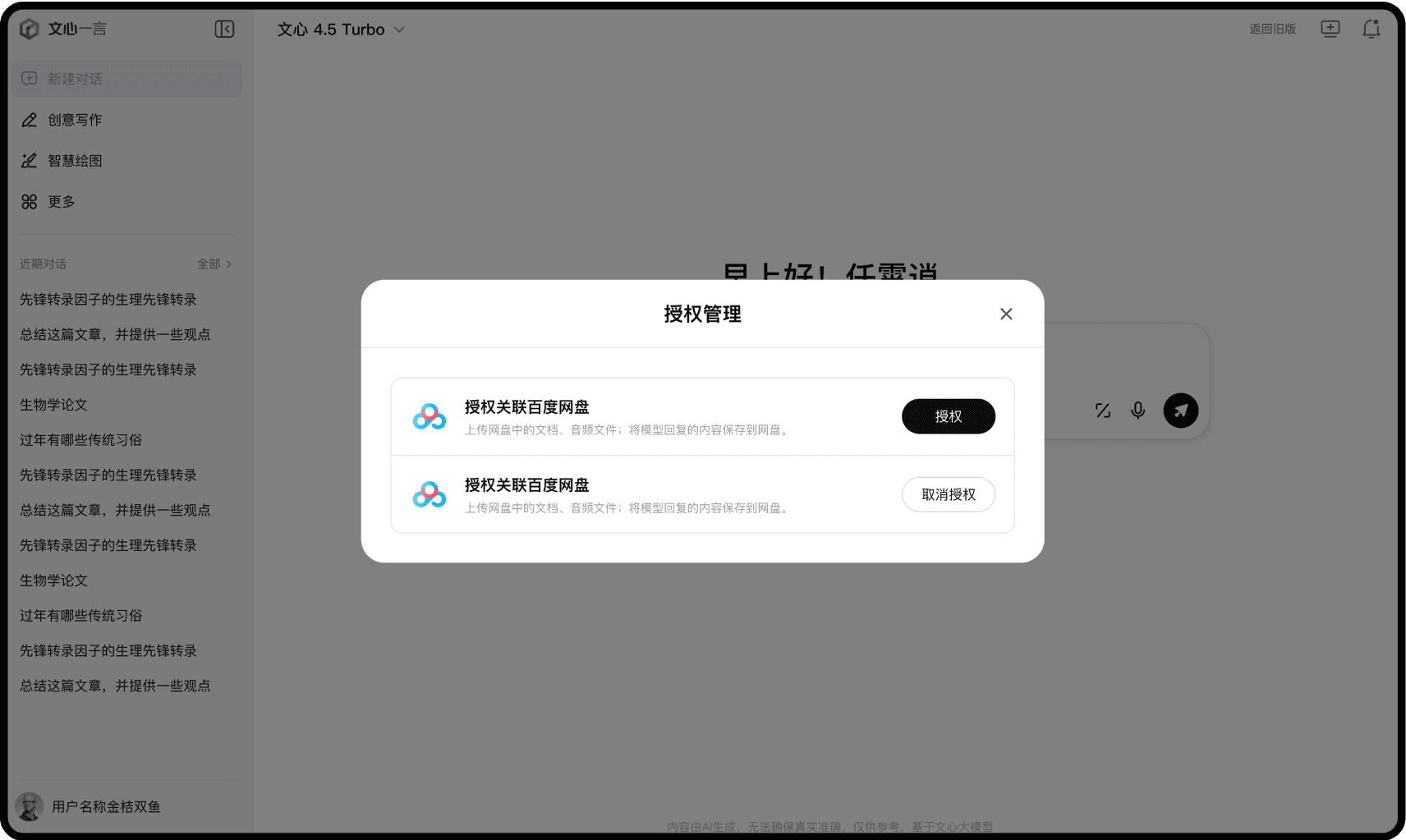
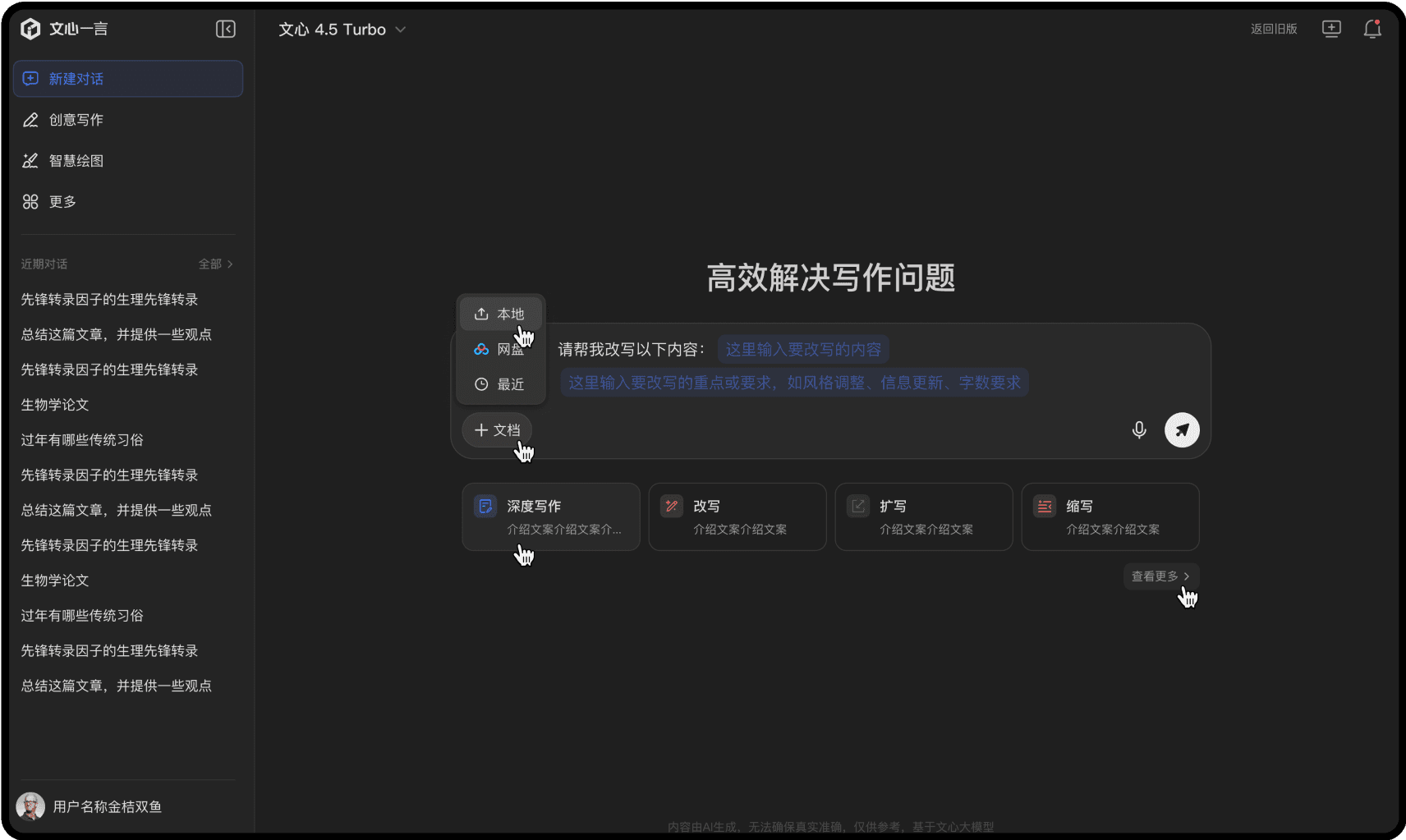
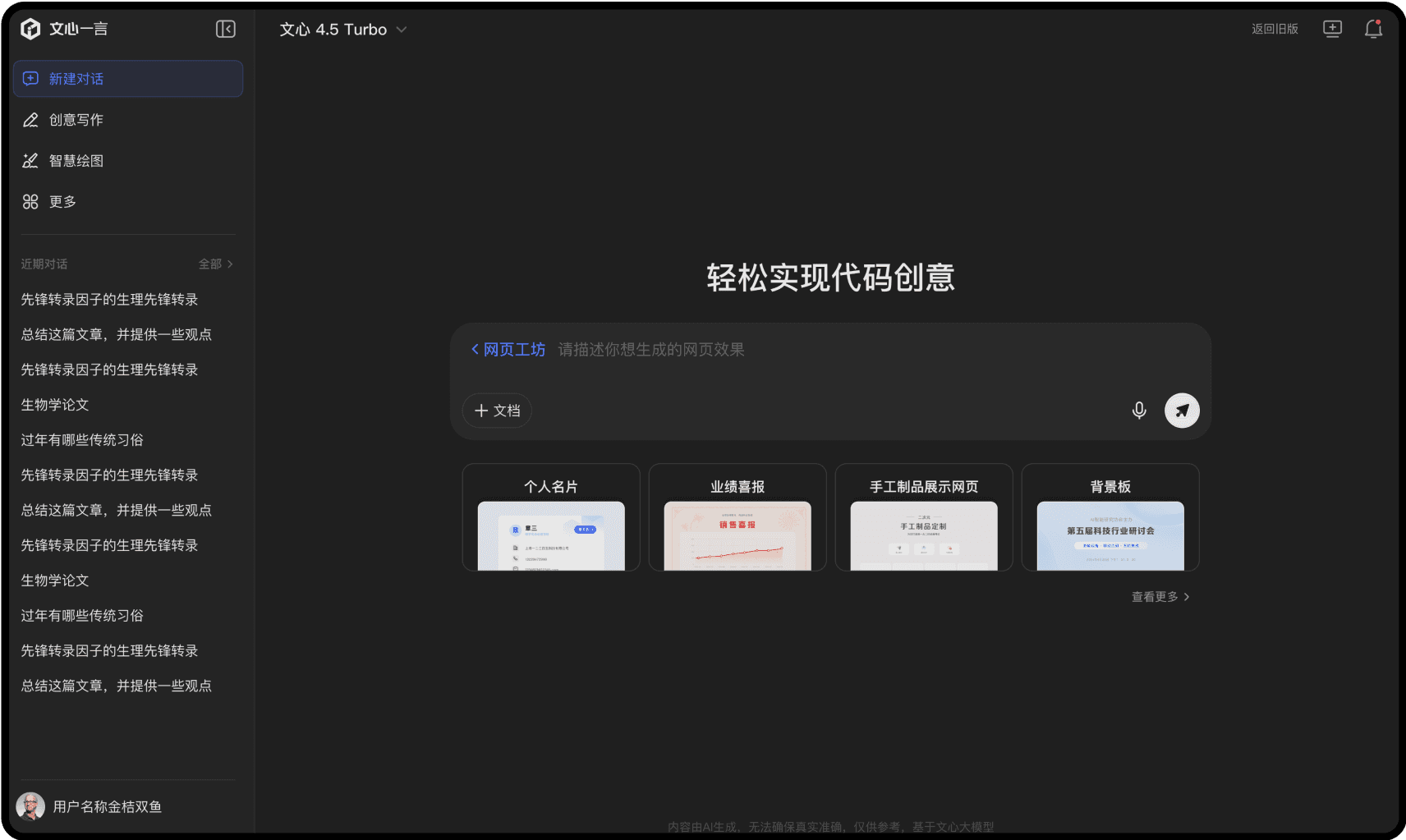
I was also responsible for several key interactive components in the new version of wenxin yiyan including the primary input field and system-level modal windows.
Main Input Field
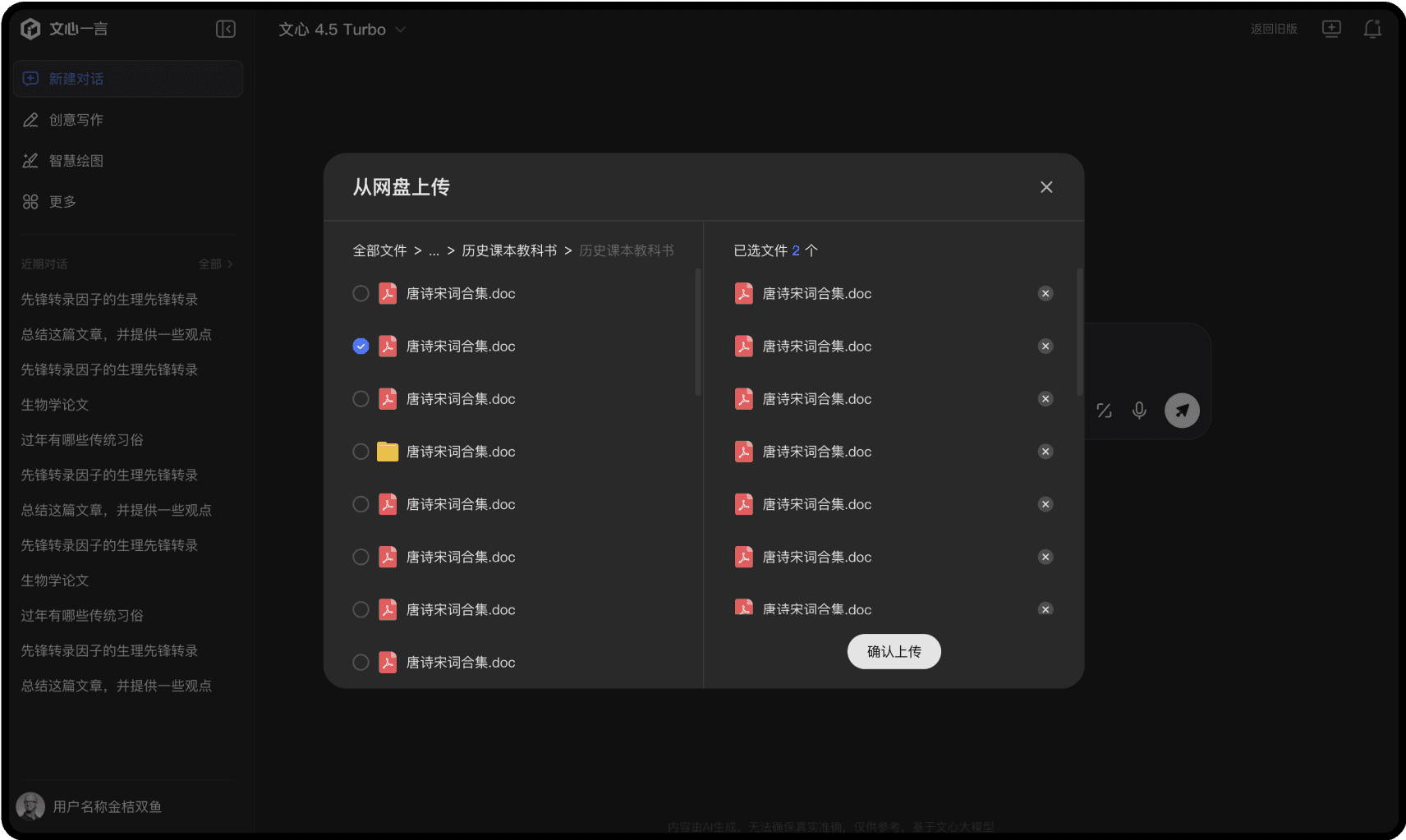
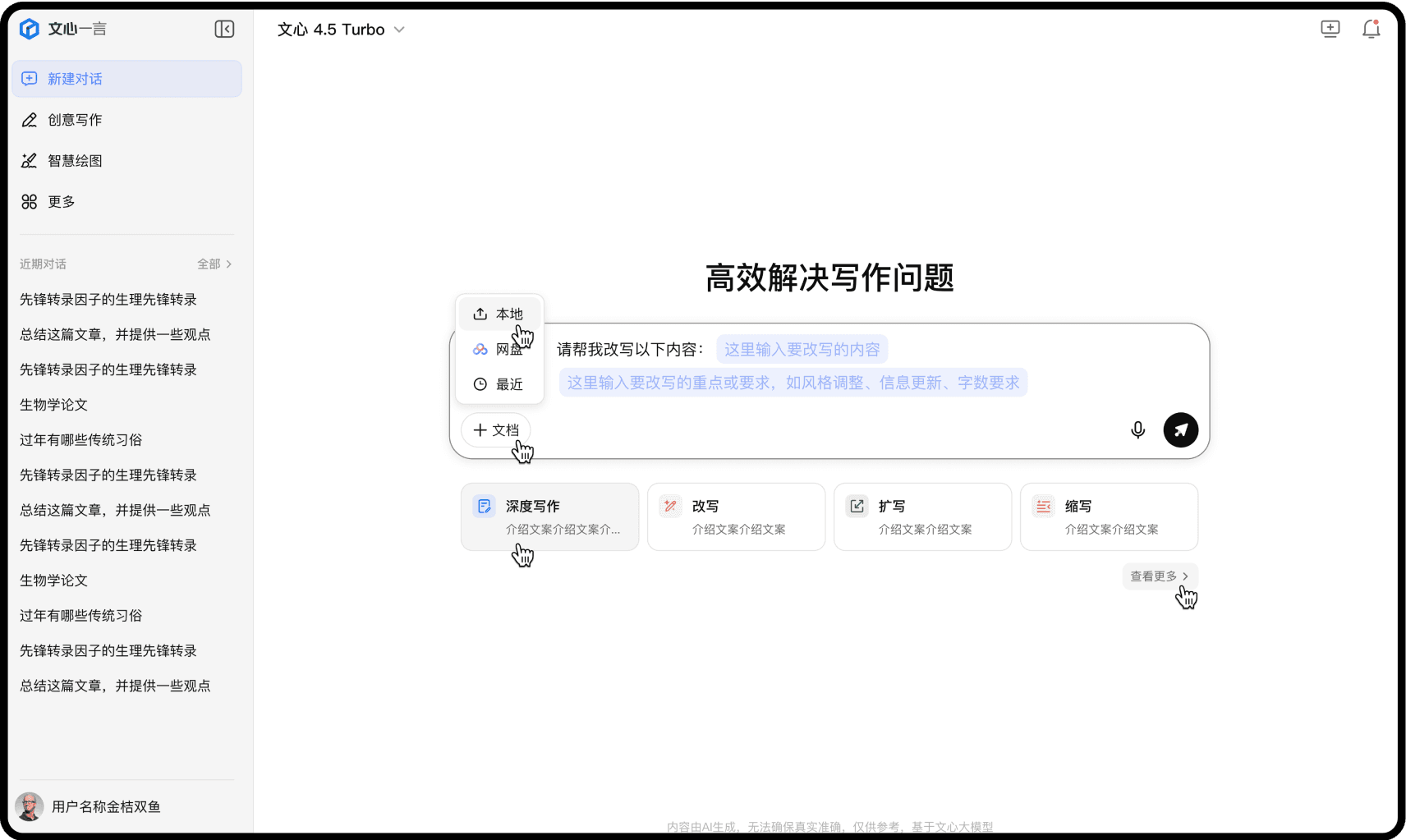
I defined the complete visual specification for the main input field in ERNIE Bot, along with its related elements, ensuring a clean, intuitive, and consistent user experience. This included spacing, typography, color, shadows, default sizing, responsive behavior, and more.


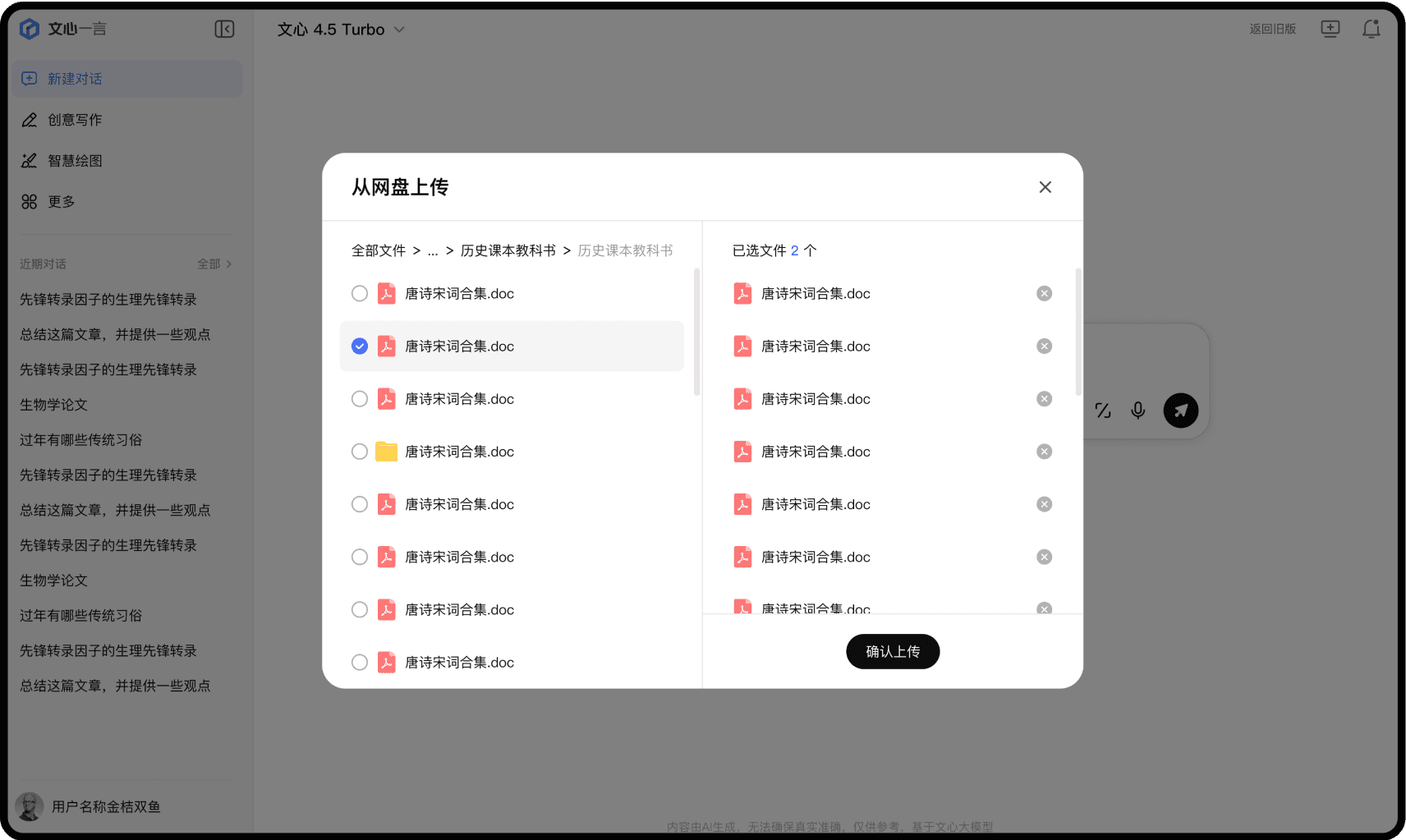
Modal Windows
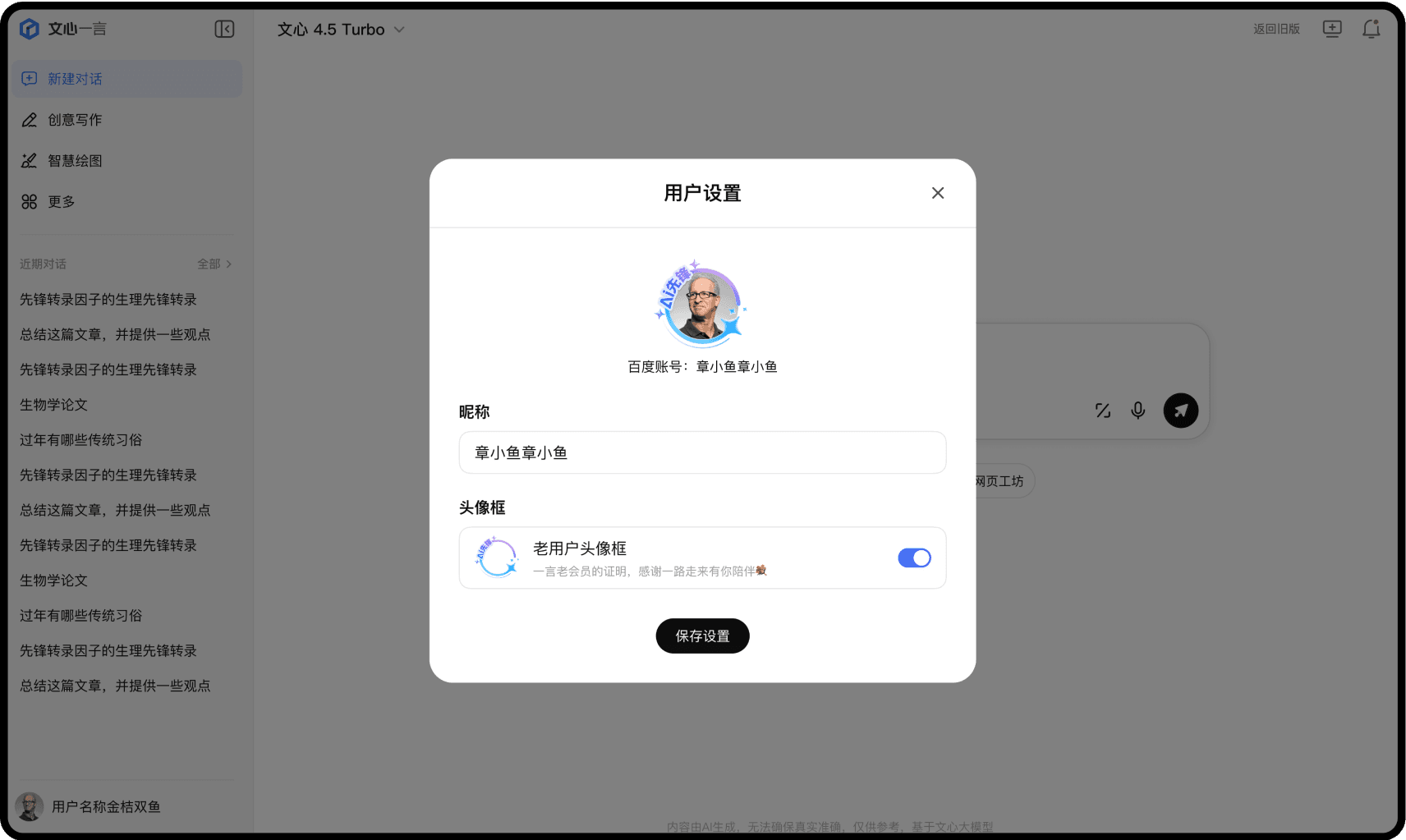
Defined the complete design specifications for system-level modal windows, including standardized styles and sizing. This covered detailed rules for internal element styling, spacing, and responsive behavior across screen sizes.
Icon System
I redesigned all system-level icons to align with the updated visual style—clean, minimalist, and tech-oriented—ensuring consistency across the entire interface.
Functional icons
Designed functional icons with a focus on recognizability and visual consistency with the updated minimalist style.

File icons
Redesigned all file type icons and established usage guidelines, including specifications for size, opacity, and adaptability across different contexts.

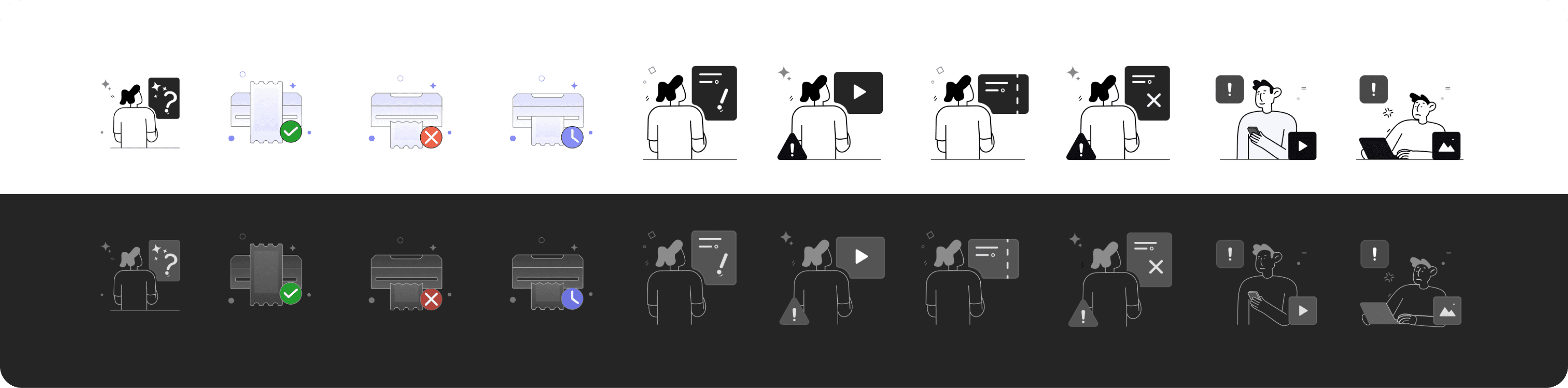
States Visual Assets
Redesigned all file type icons and established usage guidelines, including specifications for size, opacity, and adaptability across different contexts.
Motion Design
In addition to static icons, I was responsible for motion design, enhancing the overall experience with smoother and more engaging interactions. This covered hover effects, page transitions, image generation animations, and more.
Interfaces
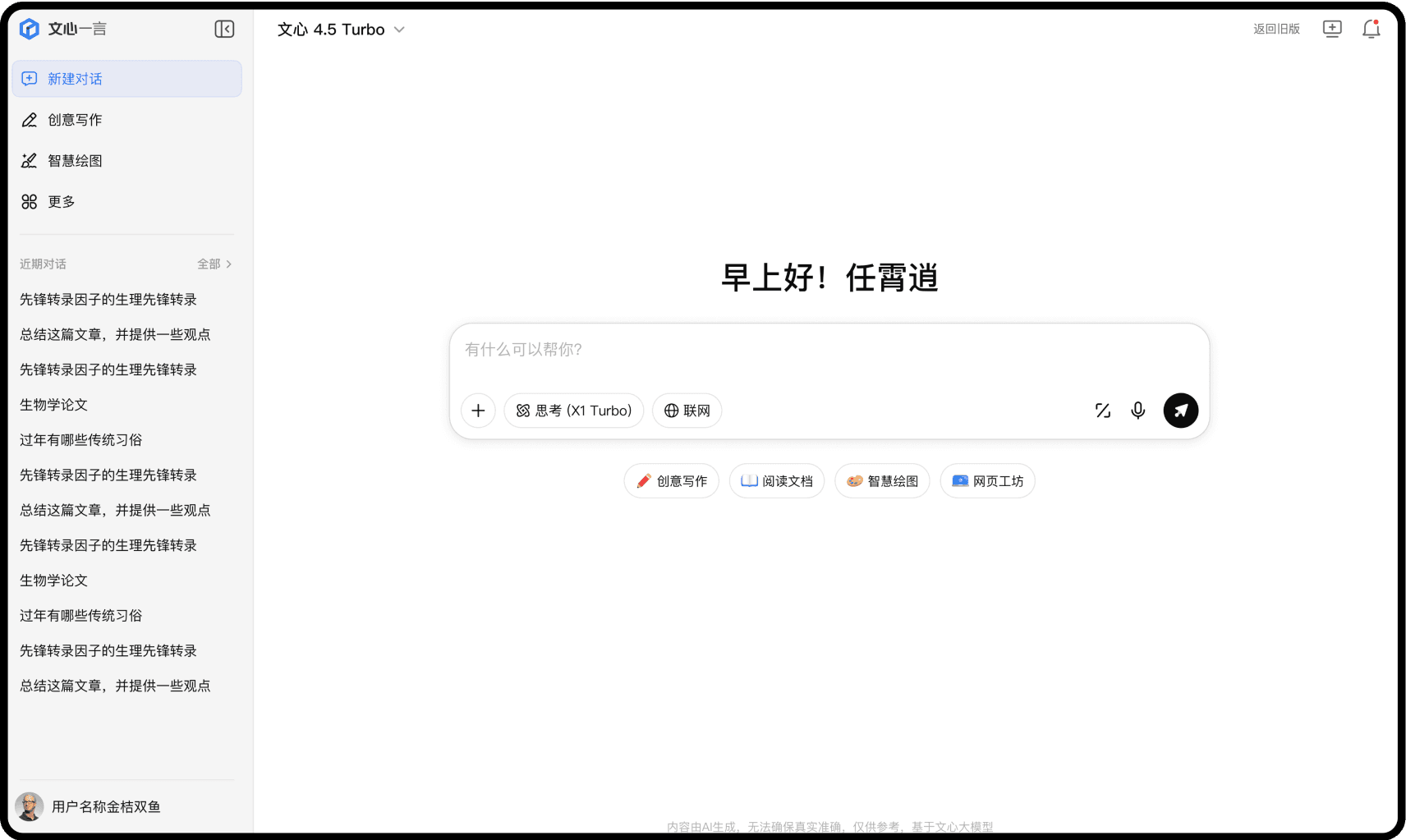
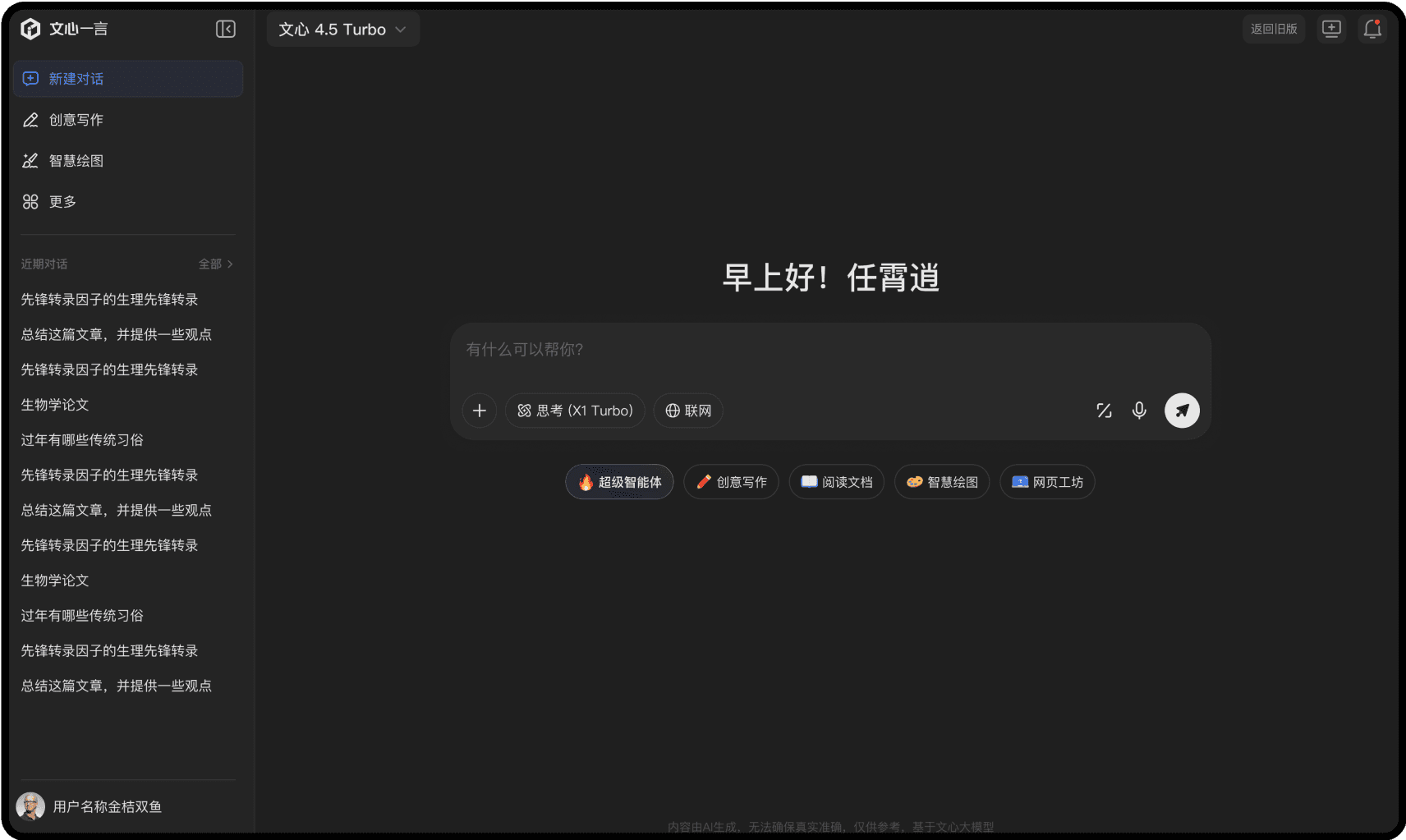
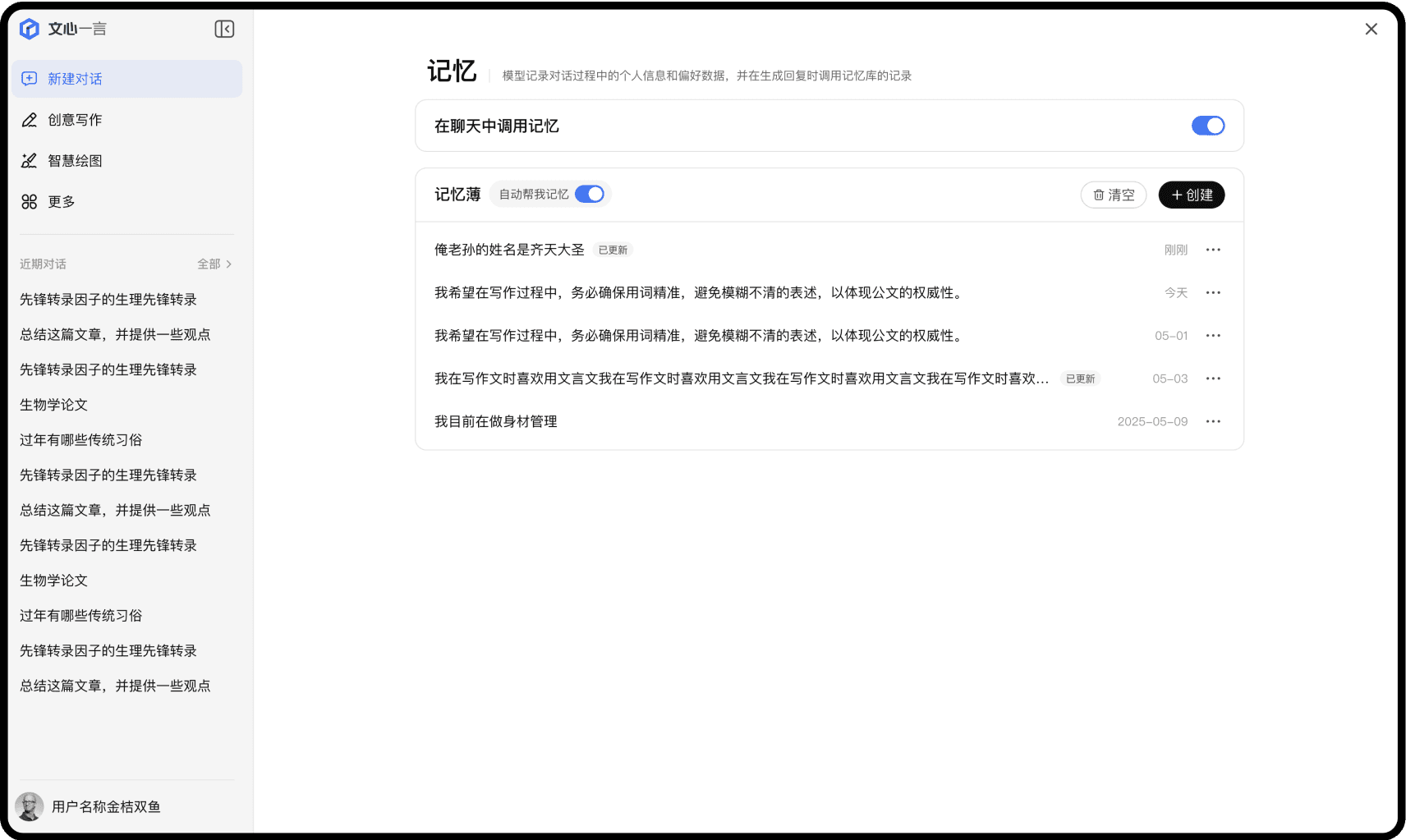
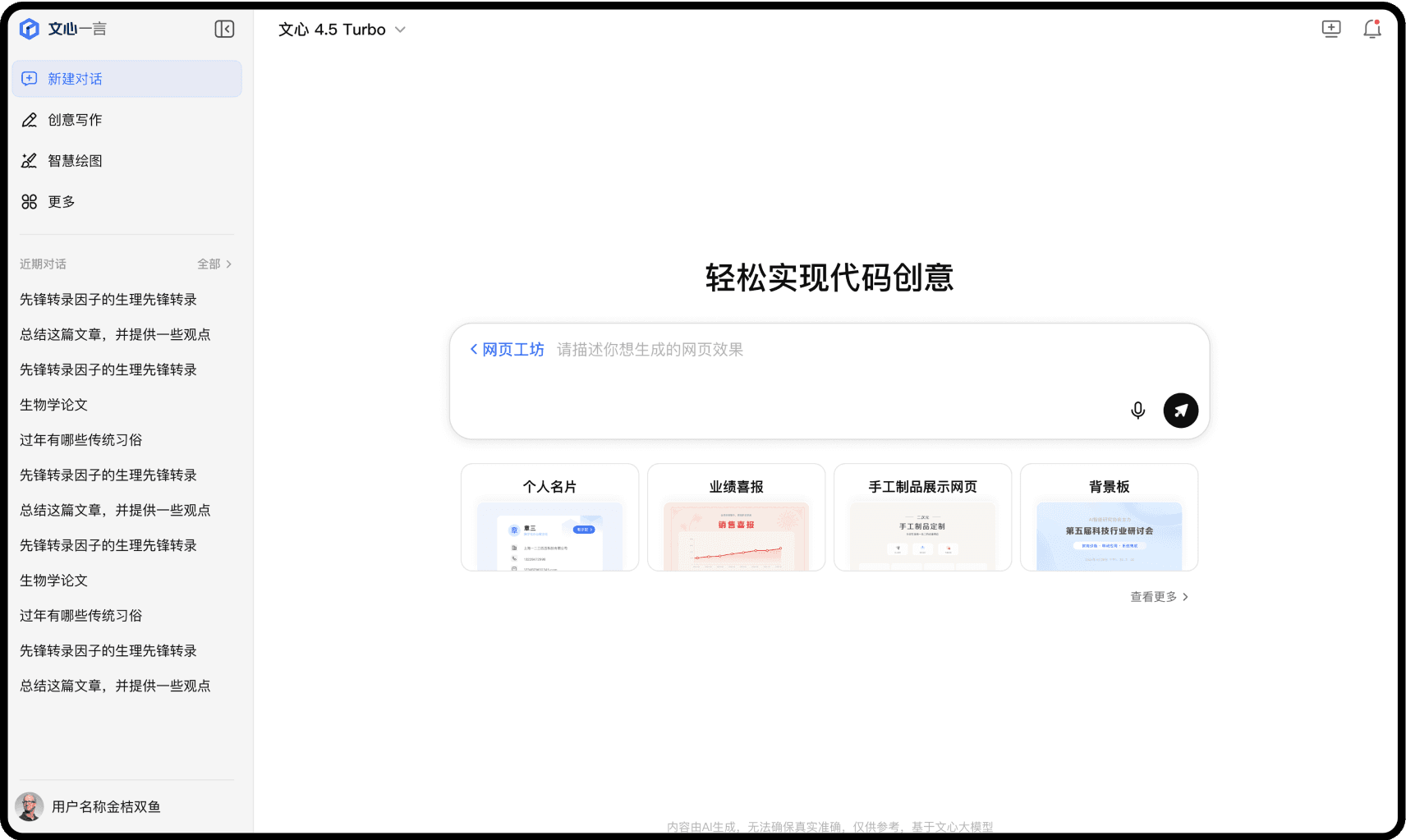
In addition to contributing to the design system and core components, I was also responsible for designing over 80 pages, completely redesigning existing interfaces based on our new design system and visual style.
PART 2
REFLECTION
Work Flow
This internship provided valuable insight into the end-to-end development process of a tech company and the critical roles that support it. I also deepened my ability to craft visual designs that balance usability with visual appeal.
This internship provided valuable insight into the end-to-end development process of a tech company and the critical roles that support it. I also deepened my ability to craft visual designs that balance usability with visual appeal.
1
Product Manager
At the beginning, the product mananger will clarify a clear requirement, alongside with an ideal delivery time.
At the beginning, the product mananger will clarify a clear requirement, alongside with an ideal delivery time.
2
Interaction Designer
Based on the product manager’s requirements, interaction designers begin by defining the core logic and structure of each interface, along with the interactive states of individual UI elements.
Based on the product manager’s requirements, interaction designers begin by defining the core logic and structure of each interface, along with the interactive states of individual UI elements.
3
Visual Designer
The visual designer begins by understanding the structure defined by the interaction designer, then defines core visual elements such as color, spacing, and corner radius, aligning with the current design system or extending it with new system-level styles.
The visual designer begins by understanding the structure defined by the interaction designer, then defines core visual elements such as color, spacing, and corner radius, aligning with the current design system or extending it with new system-level styles.
4
Developer
After finalizing the visual design, multiple review sessions are held to validate its feasibility before delivering the design plan for implementation.
After finalizing the visual design, multiple review sessions are held to validate its feasibility before delivering the design plan for implementation.
Challenges I have encournetered

Color Inconsistency in UI Design
At the start of the project, the tight timeline and heavy workload meant five designers worked on different screens without a unified standard.
For example, even though the side navigation divider was agreed to be 10% black, each designer implemented it differently — some used black fill with 10% opacity, some used black fill at 100% with 10% layer opacity, and others used the solid color #E5E5E5, leading to over 500 colors in the final file and making consistency impossible.
Solution
To address this issue and establish a more standardized and unified color system, I took the following actions:
Extract all colors (including layer opacity, fill opacity, and solid colors) and sort them from darkest to lightest.
Convert all colors to solid (no opacity).
Remove duplicate colors, reducing from 300+ to about 160.
Merge similar colors (e.g., #DBDBDB brightness 14 merged into #D9D9D9 brightness 15).
Create a color specification dividing UI elements into background, fill, stroke, and text, defining allowed colors for each.
Apply standardized colors to the UI based on element type.
As a result I spend only 2 days to fix over 500 pages(which includes both light mode and dark mode) and help our team complete the design before the delivery date with a consistent and unified color system.
Misalignment with Team’s Design Practices
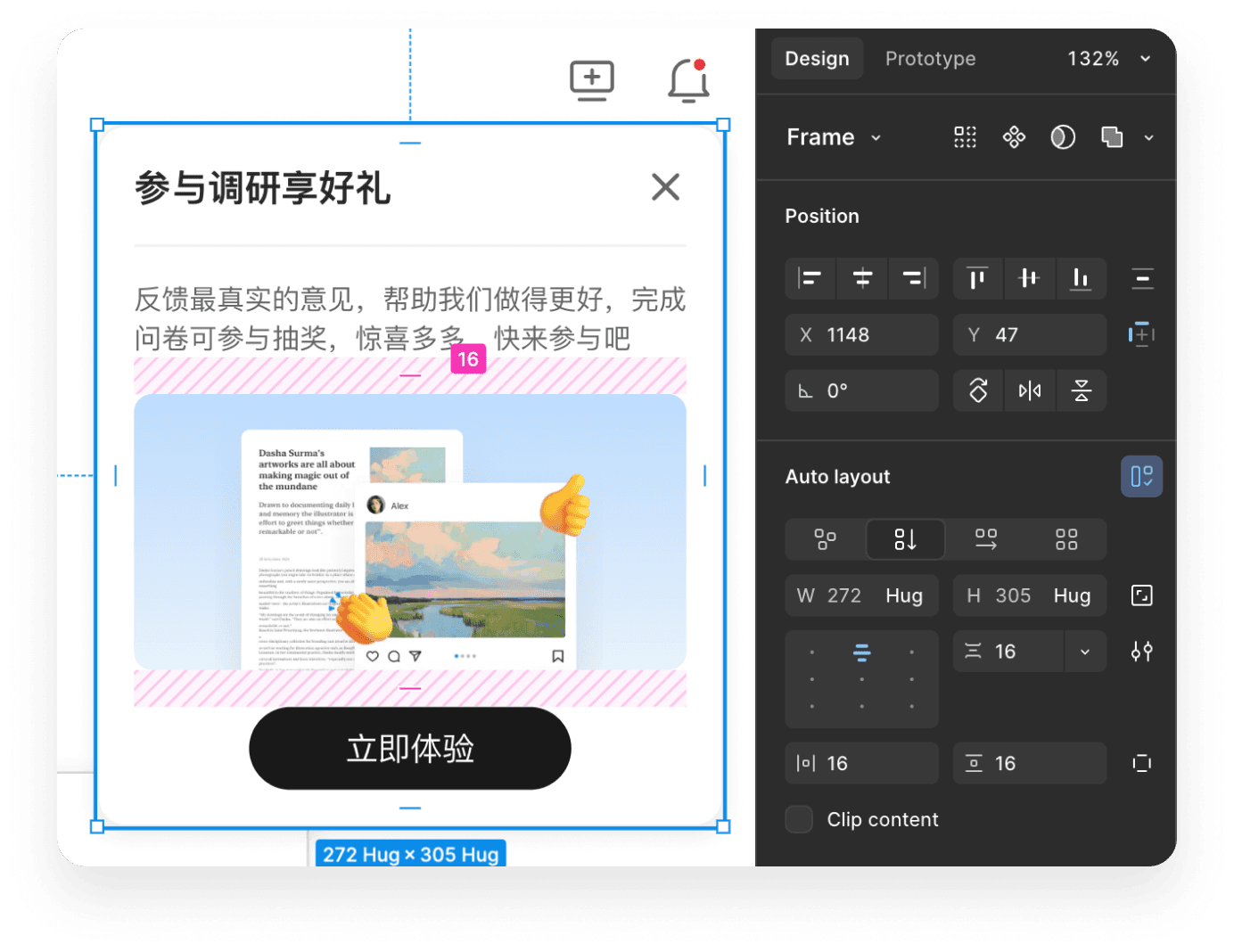
At the start, I applied my own responsive design workflow and component standards, but the team used a different approach. This mismatch led to issues when others edited my work — they couldn’t select certain elements, adjust spacing, or change background colors — which slowed the project’s progress.
Solution
To solve this problem and avoid this in the future. I discussed the team’s design conventions with a member, clarified details like divider styles and layout methods, and revised my work to match their workflow, ensuring smoother collaboration.